

Xero Odoo Connector: Sync Odoo with Xero via the Xero REST API
Connect Odoo and Xero without double data entry
The Xero Odoo Connector by Steigern Tech LLP links your Odoo ERP to Xero accounting through the official Xero REST API. It syncs customers, suppliers, products, invoices, bills, credit notes, payments and orders between both systems. The module is available now on the Odoo Apps Store for Odoo 16, 17, 18 and 19.
Many businesses run sales, purchasing and inventory in Odoo while their accountant works in Xero. Without an integration, someone retypes every invoice, contact and payment into Xero. That wastes hours each week and creates mismatched balances, missing payments and tax errors at month end.
This guide explains what an Odoo Xero integration does, how the Xero REST API connector works, and how to connect Odoo to Xero step by step.
What is the Xero Odoo Connector?
Xero Connector | Xero Rest API (technical name odoo_xero_connector_stg) is an Odoo module built by Steigern Tech LLP. It connects one or more Xero organizations to your Odoo database using secure OAuth 2.0 login, then moves accounting data between the two systems on demand or on a schedule.
Key features of the Odoo Xero integration
What syncs between Odoo and Xero
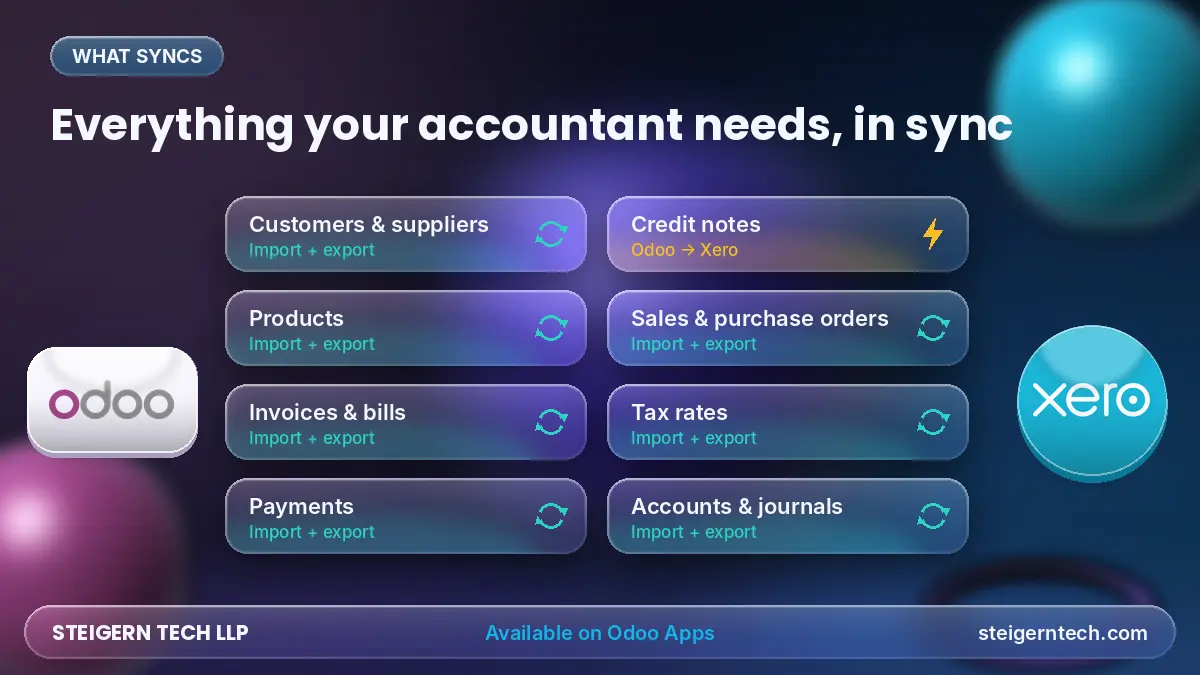
| Data | Direction | What it does |
|---|---|---|
| Customers and suppliers | Import and export | Keeps contacts identical in both systems |
| Products | Import and export | Keeps product names, codes and prices aligned |
| Customer invoices and vendor bills | Import and export | Sends billing to Xero without retyping |
| Payments | Import and export | Keeps paid and outstanding balances consistent |
| Credit notes | Odoo to Xero | Pushes refunds and returns to Xero |
| Sales and purchase orders | Export, plus import from Xero | Brings orders across in either direction |
| Tax rates | Import and export | Maps Odoo taxes to Xero tax rates |
| Chart of accounts and journals | Mapping and sync | Posts every entry to the right Xero account |
Built for real businesses
- Secure OAuth 2.0 connection to Xero: Tokens are stored encrypted and refreshed automatically without manual re-authentication.
- Multiple Xero organizations: Managed seamlessly from a single Odoo database instance.
- Multi-company support: Each Odoo operating company connects directly to its own dedicated Xero organization.
- Automatic & Manual Sync: Automated sync through configurable Odoo cron jobs, plus instant one-click manual sync.
- Flexible Domain Filters: Select precisely which customers, products, invoices, or orders to export.
- Detailed Sync Logs: Comprehensive records of every request, response, and error for rapid troubleshooting and full auditing.
How the Xero REST API connector works
The connector communicates with Xero the exact same way Xero's official partner apps do: through the secure Xero REST API authorized via OAuth 2.0. You never share your Xero password with Odoo.
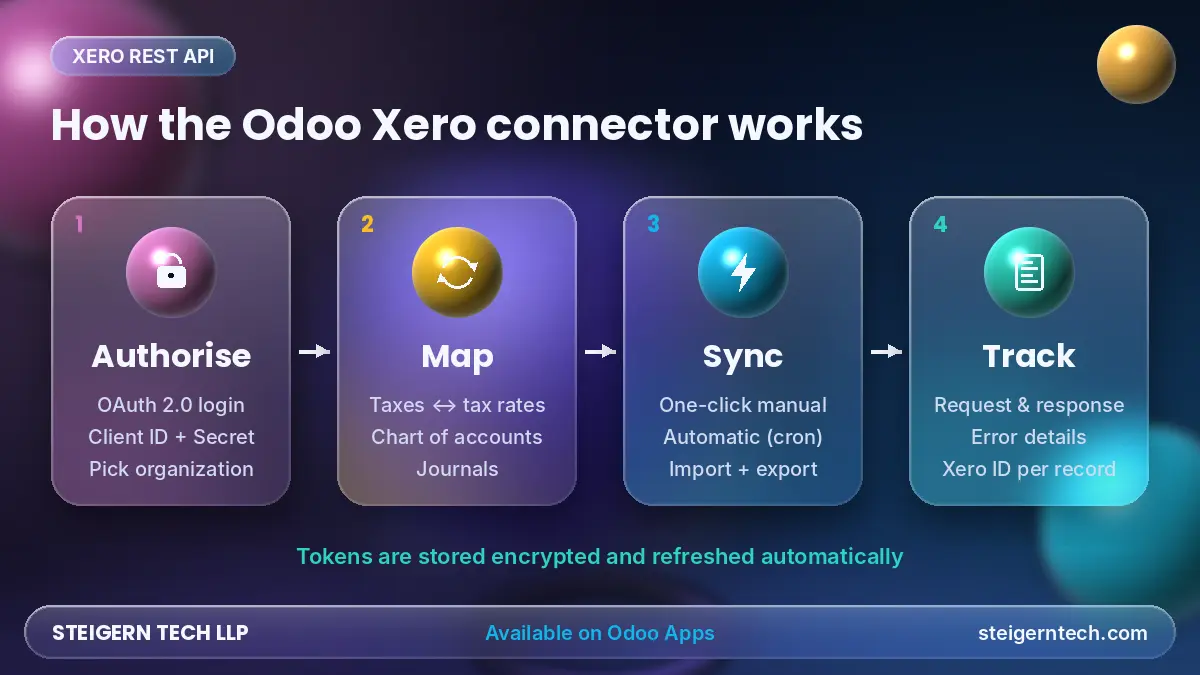
- Authorise: Create an app in the Xero developer portal, paste its Client ID and Client Secret into Odoo, and click Authenticate. Xero requests approval and prompts you to select your target organization.
- Map: Link Odoo taxes to Xero tax rates, Odoo accounts to the Xero chart of accounts, and configure journals so every transaction lands in the exact ledger account.
- Sync: Odoo pushes and pulls records through the API, either on button click or fully automated via cron jobs.
- Track: Every request and payload is recorded in the Logs tab, and each synced record stores its Xero UUID to prevent duplicate entries.
Because OAuth tokens refresh automatically, the connection continues operating reliably in the background without interruptions.
Benefits of integrating Odoo with Xero
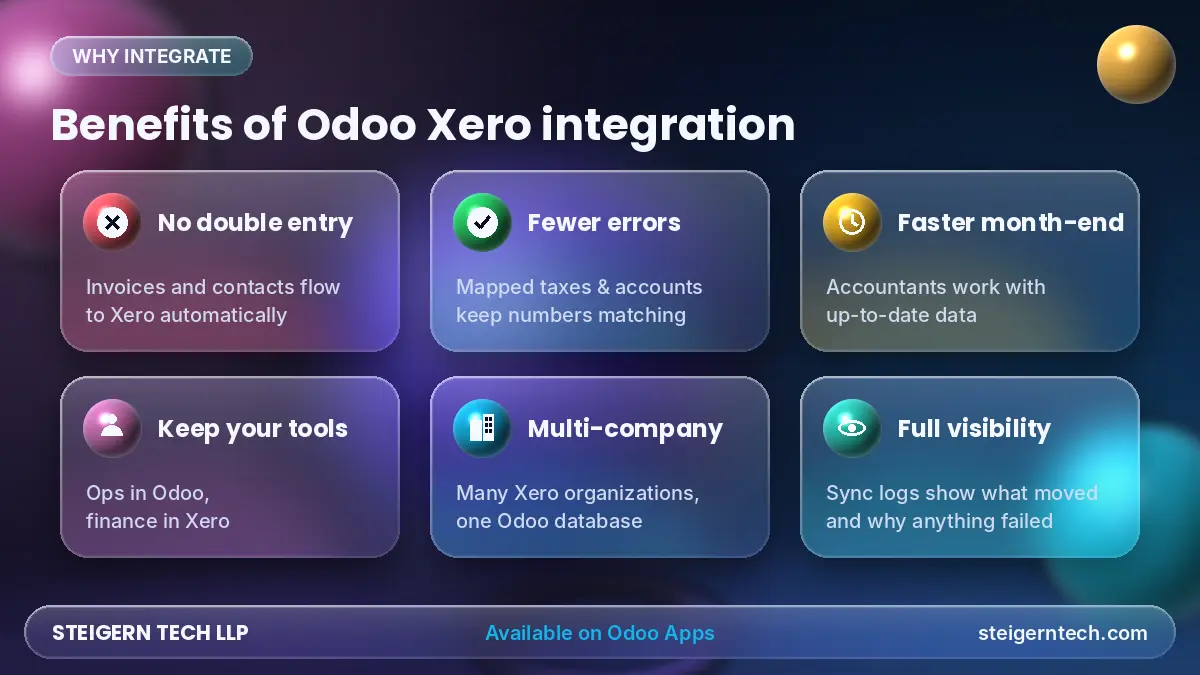
- No more double entry: Invoices, bills, contacts, and payments generated in Odoo automatically populate in Xero.
- Fewer errors: Accurate account and tax mapping ensures numbers match across both systems, drastically accelerating bank reconciliation.
- Faster month-end close: Accountants work directly in Xero with live, up-to-date figures instead of chasing manual CSVs.
- Tool specialization: Operational squads stay in Odoo for sales, purchasing, manufacturing, and inventory; financial teams work in Xero.
- Scales as you grow: Add new subsidiary companies and Xero organizations with zero architectural hurdles.
- Full transparency: Complete sync histories ensure you know exactly what moved, when, and how.
Who it is for
- Businesses running Odoo for sales, inventory, or manufacturing while keeping general ledger accounting in Xero.
- Accounting firms, CPAs, and outsourced bookkeepers whose clients operate on Odoo.
- Corporate groups managing multiple legal entities across separate Xero organizations.
- Organizations migrating between Xero and Odoo needing clean, reliable historical and transitional synchronization.
How to connect Odoo to Xero: step by step
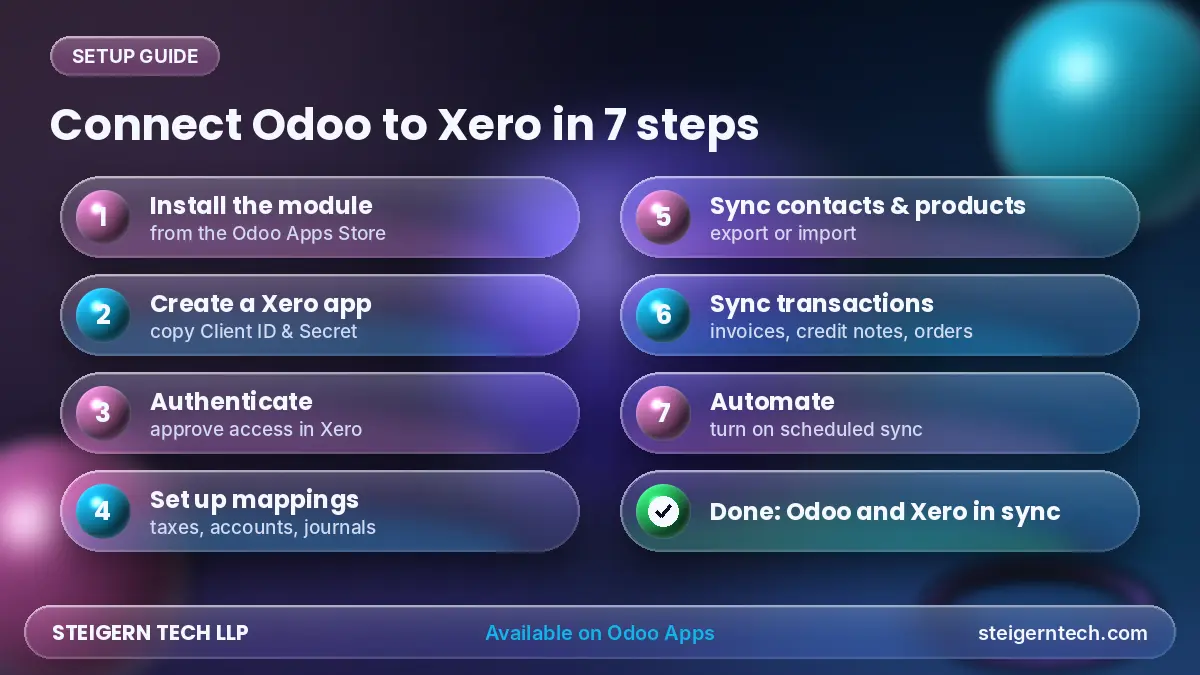
- Install the module: Download Xero Connector | Xero Rest API from the Odoo Apps Store and install it in your database.
- Create a Xero app: Navigate to the Xero Developer Portal, register a new integration, and copy your Client ID and Client Secret.
- Authenticate: In Odoo, open Xero Integration → Configuration → Apps, enter a friendly name, paste your credentials, and click Authenticate. Grant consent on Xero.
- Set up mappings: Import/export taxes, map your chart of accounts, and click Sync Xero Journals prior to processing live invoices.
- Sync contacts and products: Configure domain filters if desired, then click Export Customers, Import Products, or Export Products.
- Sync transactions: Execute Export Invoices, Export Credit Notes, and Export Orders, or pull incoming purchase data with Import Orders.
- Automate: Enable scheduled cron jobs for automatic synchronization and monitor real-time health from the Logs tab.
Frequently Asked Questions
Can Odoo integrate with Xero?
Yes. The Xero Odoo Connector by Steigern Tech LLP delivers a production-grade, two-way integration via the official Xero REST API, installable straight from the Odoo Apps Store.
Which Odoo versions does the Xero connector support?
The module supports Odoo 16, 17, 18, and 19 across Odoo Online, Odoo.sh, and self-hosted on-premise environments.
Is the Odoo Xero integration bidirectional?
Yes. Contacts, products, customer invoices, vendor bills, and payments can be imported and exported bi-directionally. Credit notes export from Odoo to Xero, and orders can be synchronized in both directions.
Is it secure?
Yes. It leverages industry-standard OAuth 2.0 protocol with encrypted token storage and automatic refresh handling. Your Xero master passwords are never stored in Odoo.
Can I connect several companies or Xero organizations?
Yes. You can manage multiple Xero organizations from a single Odoo database instance, and each Odoo company can bind to its own specific Xero organization.
Does it sync automatically?
Yes. Odoo automated cron jobs execute synchronizations in the background at your preferred intervals, alongside on-demand manual sync buttons.
What happens if a sync fails?
The connector captures full payload details, HTTP response codes, and descriptive error messages in the dedicated sync logs for effortless diagnosis.
Do I need to map taxes and accounts first?
Yes. Configuring tax and chart of accounts mappings before initiating transactional sync ensures entries post accurately to the proper general ledger accounts.
Get the Xero Odoo Connector by Steigern Tech LLP
Stop wasting billable hours retyping data between Odoo and Xero. The Xero Connector | Xero Rest API is available now on the Odoo Apps Store for Odoo 16 through 19.
Need support with setup, custom enterprise mappings, or multi-entity workflows? Talk directly with our solutions engineering team:
- WhatsApp: +91 94275 72571
- Email: [email protected]
- Website: steigerntech.com
Related Engineering Insights
RAG vs MCP vs AI Agents: Which Is Best to Automate Your Business?
No single one is 'best'. RAG makes AI know your business, MCP connects AI to your software, and AI Agents let AI do the work. The businesses getting real results use them together, in that order.
Shopify Odoo Connector: The Complete Guide to Seamless Shopify Odoo Integration
Connect multi-store Shopify storefronts with Odoo ERP using Steigern Tech's high-throughput bridge. Eliminate manual entry, synchronize inventory in real time across Odoo 14 through Odoo 19, and automate end-to-end order-to-cash workflows.
AI Policy's: The Game Changer for Modern Developer Teams
Why engineering organizations need clear, pragmatic AI development policies. How guardrails accelerate developer velocity, safeguard proprietary IP, prevent credential exfiltration, and elevate enterprise valuation.
Ready to engineer your system with production discipline? Talk to our lead architects.
Our senior engineers review your requirements, design the technical roadmap, and deploy dedicated squads tailored to your tech stack.