
HeyLight buy now, pay later in odoo

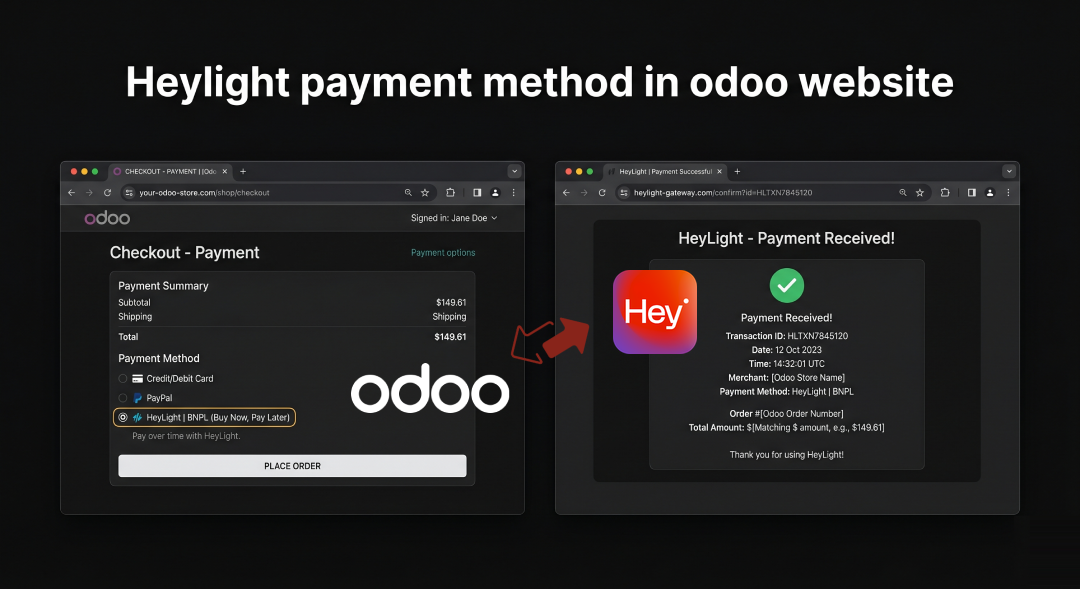
Maximize your odoo store conversions with the HeyLight Payment method. Learn how to easily configure and offer seamless Buy Now, Pay Later (BNPL) options to your shoppers.
Cart abandonment remains one of the biggest challenges for online merchants. Today’s shoppers expect financial flexibility at checkout, and traditional credit or debit card options are no longer enough to capture every sale. Enter the “Buy Now, Pay Later” (BNPL) revolution.
To help merchants meet this consumer demand head-on, our team has developed the HeyLight Payment for Odoo website. Designed to bridge the gap between your Odoo storefront and the HeyLight EMI-based payment gateway, this module provides a frictionless, secure, and automated checkout experience that directly translates to higher average order values and increased customer loyalty.
Whether you are configuring your own storefront or deploying solutions for clients, this module takes the complexity out of payment routing.
👉 Download the HeyLight Payment Integration from the Odoo Apps Store Here
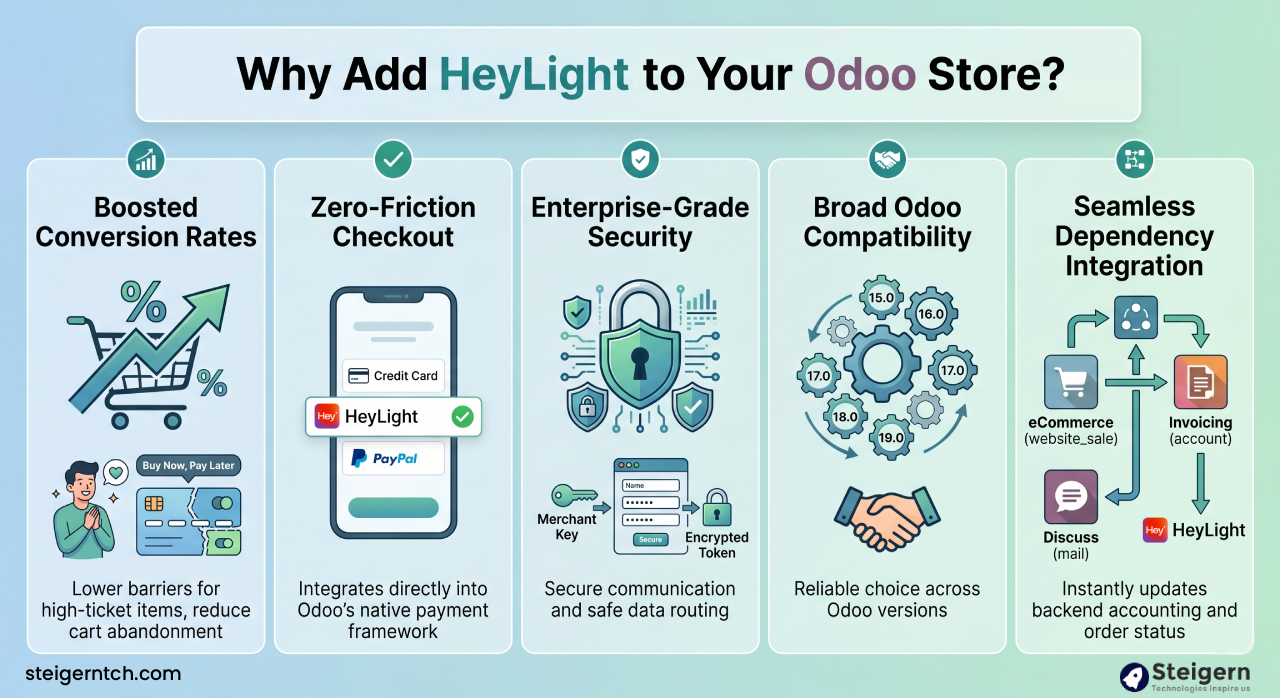
Why Add HeyLight to Your Odoo Store?
Integrating a robust BNPL option offers immediate advantages to both the merchant and the end-consumer:
-
Boosted Conversion Rates: By allowing customers to split payments, you lower the barrier to entry for high-ticket items, reducing cart abandonment significantly.
-
Zero-Friction Checkout: The module integrates directly into Odoo’s native payment provider framework. Customers see HeyLight alongside standard options without disruptive pop-ups or clunky iframes.
-
Enterprise-Grade Security: The integration utilizes a secure Merchant Key system. Once the key is inputted into Odoo, the system generates an encrypted token to ensure safe communication and data routing between your server and the HeyLight gateway.
-
Broad Odoo Compatibility: We engineered this module to be highly versatile. It is fully supported across Odoo versions 15.0, 16.0, 17.0, 18.0, and 19.0, making it a reliable choice regardless of where you or your clients are in your ERP upgrade cycle.
-
Seamless Dependency Integration: It natively hooks into Odoo’s core modules, including eCommerce (
website_sale), Invoicing (account), and Discuss (mail), ensuring that every successful payment instantly updates your backend accounting and order status.
Step-by-Step Configuration Guide
Setting up a payment gateway shouldn’t require days of custom development. We built the HeyLight module to be practically plug-and-play. Here is exactly how to get it running:
Step 1: Installation
Navigate to the Odoo Apps menu in your backend database. Search for the technical name heylight_payment_integration_stg. Click Activate. This will automatically install the necessary dependencies if they aren’t already active.
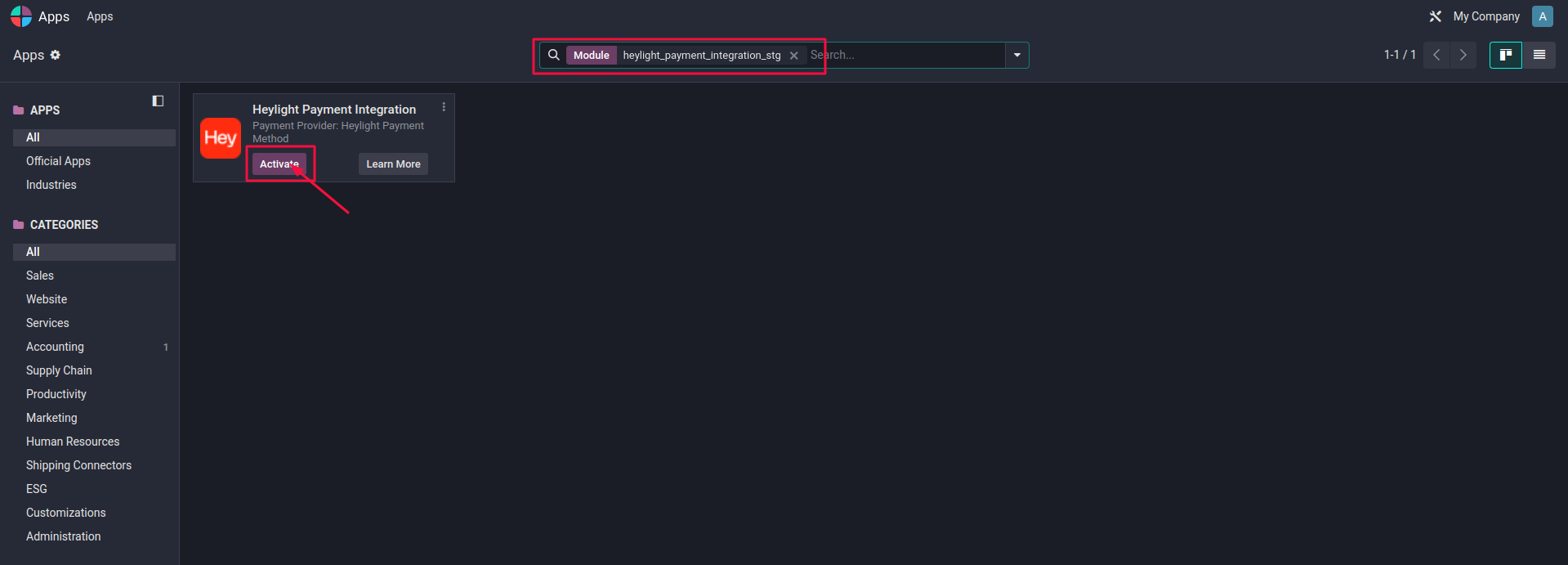
Search for the technical name heylight_payment_integration_stg – heylight odoo
Step 2: API & Merchant Configuration
Once the module is active, go to Website > Configuration > Payment Providers.
-
Locate the newly added HeyLight provider.
-
Change the state to Enabled (or Test Mode if you are running sandbox trials).
-
Enter your unique HeyLight Merchant Key.
-
Save the configuration. The system will automatically validate the key and generate an active authorization token.
Step 3: The Customer Frontend Experience
With the backend configured, the payment option goes live immediately. Here is the seamless flow your customers will experience:
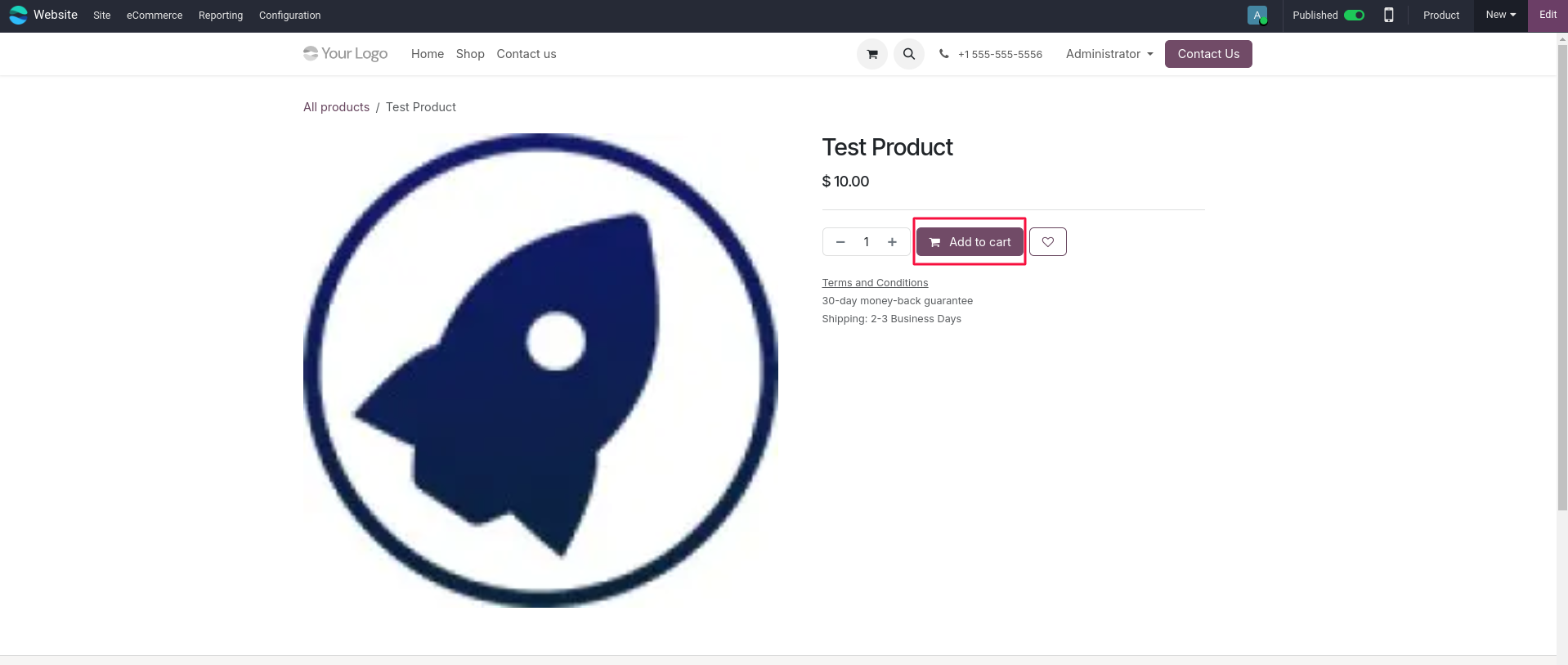
- Cart: The shopper browses the website and adds products to their cart.
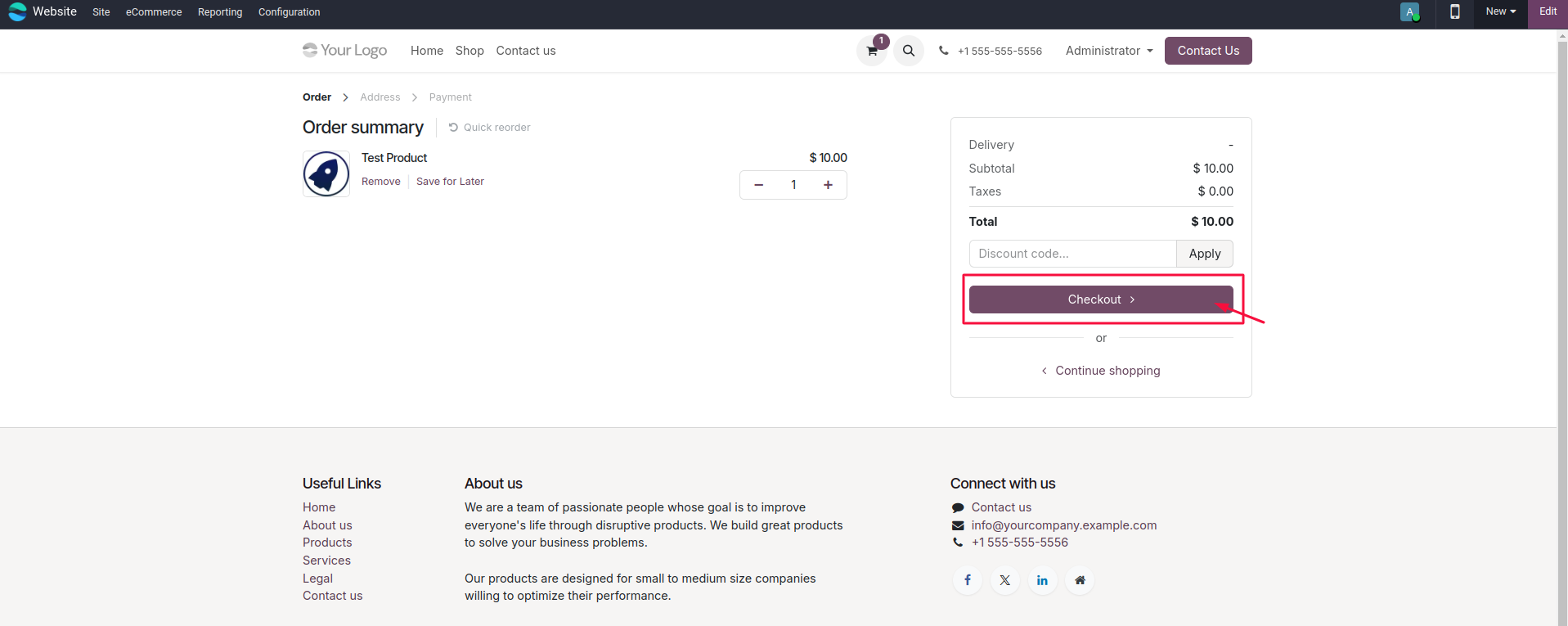
- Checkout Selection: On the final checkout page, “HeyLight Payment” appears as a selectable radio button alongside traditional methods.
- Redirection: Upon clicking ‘Pay Now’, the module securely redirects the user to the official HeyLight payment gateway.
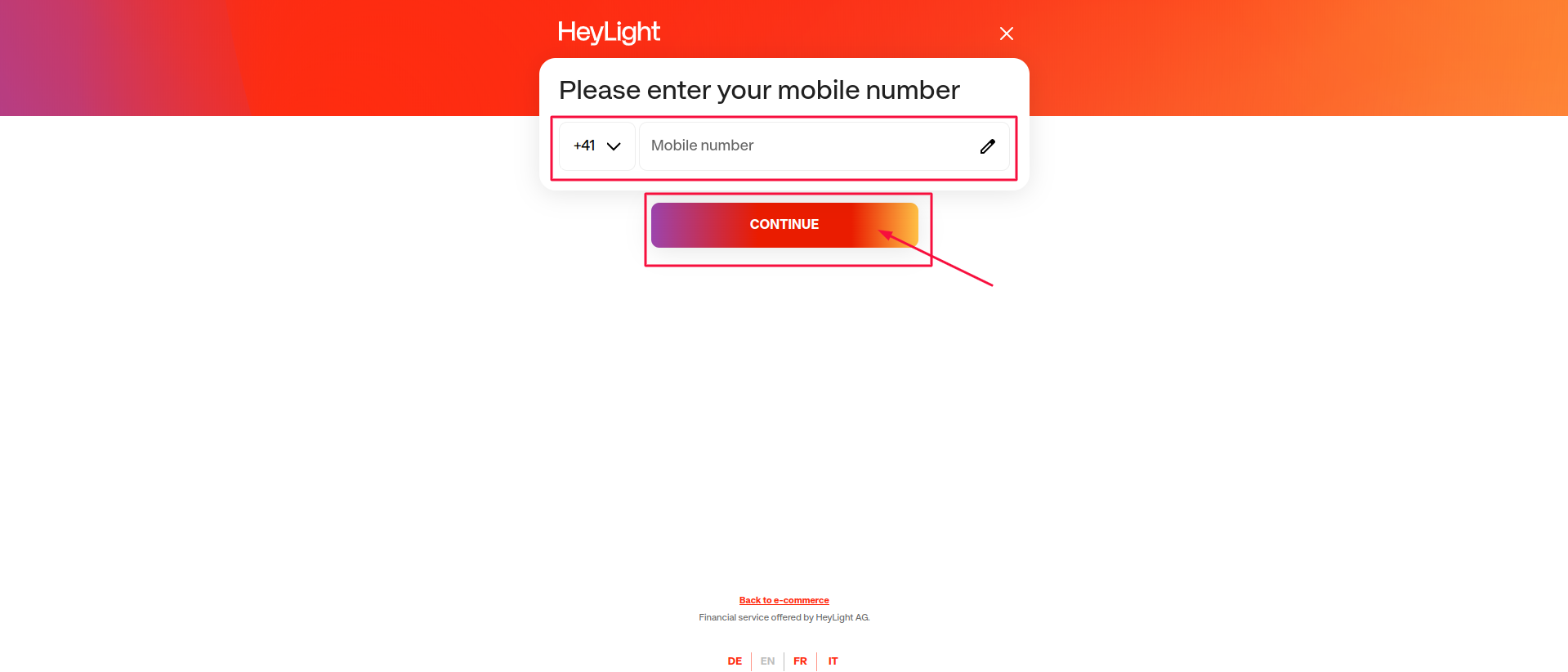
- Authentication & Approval: The customer simply enters their phone number on the HeyLight portal, hits ‘Continue’, and completes the quick EMI approval process.
- Order Confirmation: Once approved, HeyLight pings your Odoo database, marks the invoice as paid, and redirects the customer back to your localized success page.
Reliability and Dedicated Support
Deploying financial modules requires confidence in the underlying code. The architecture of this integration focuses heavily on transaction stability, ensuring that network timeouts or user errors are handled gracefully without leaving orders in a pending limbo.
Furthermore, to guarantee a smooth rollout for your store or your clients’ projects, the module includes 30 days of free technical support. From bug fixes to configuration assistance, our team is available via email or WhatsApp to ensure your integration is flawless.
Ready to Upgrade Your Checkout Experience?
Don’t let rigid payment structures limit your sales potential. By offering HeyLight’s flexible payment terms, you give your customers the purchasing power they want, backed by the robust ERP automation you need.
👉 Download the HeyLight Payment Integration from the Odoo Apps Store Here